

Interaction design / Academic prototype
Launchitone
Launchitone is an iPad music-production concept for building loops, assigning sounds across four instrument layers, and exploring a guided setup for a Novation Launchpad. Designed for beginners, the Figma prototype organizes repeated actions around clear steps and visible states.
Open interactive prototype (opens in a new tab)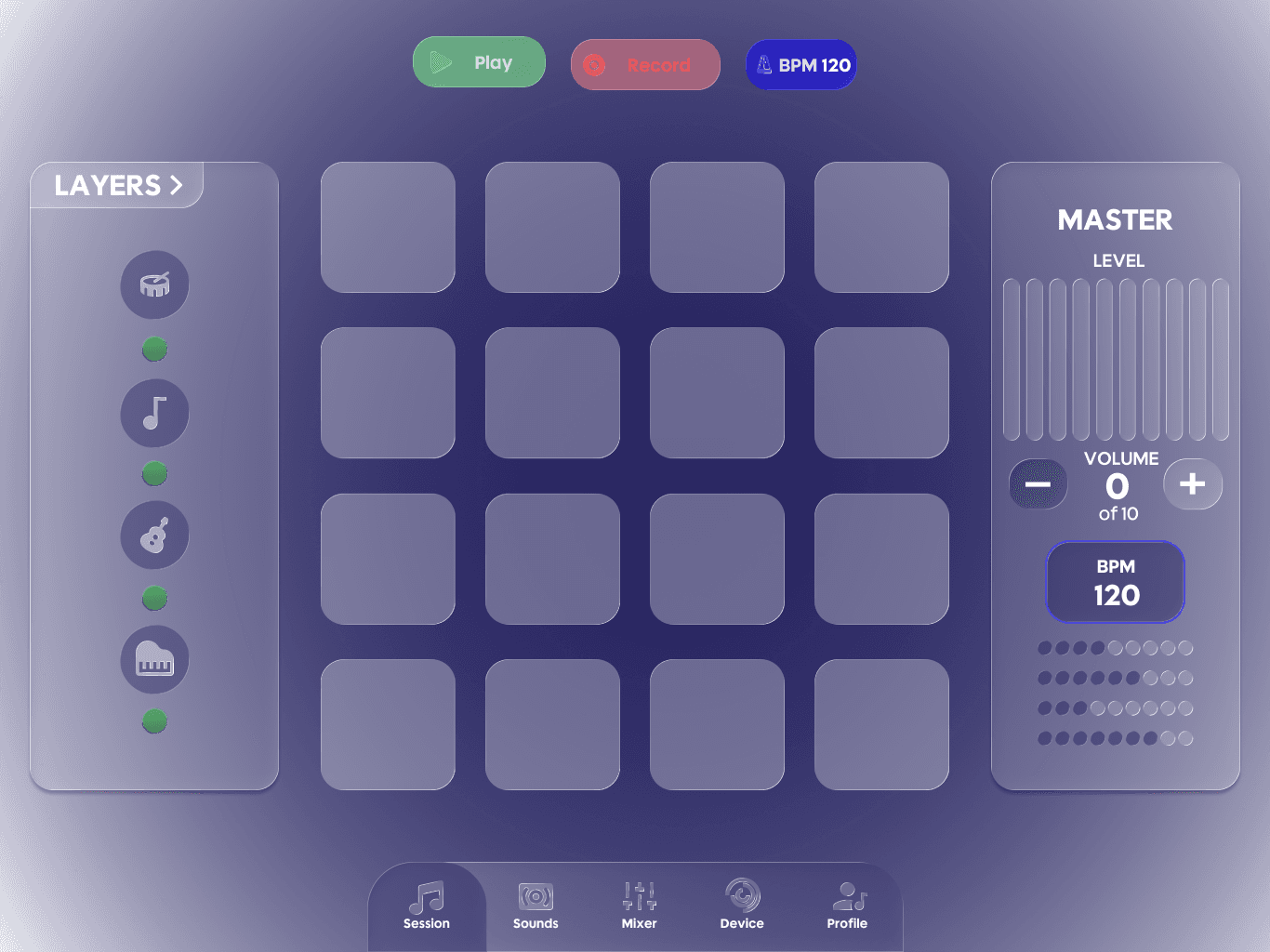
01 / Assignment
One pattern for assigning sound.
Choose a layer, choose a sound pack, choose a sound, then confirm the assignment. This four-step pattern repeats across Drums, Bass, Guitar and Piano. The Drums example follows that sequence from the instrument overview to a named sound and its assignment.
A step indicator keeps the current task visible. Layer names and assigned-sound labels maintain context between selection and confirmation, so the interface can describe both what is being changed and where it belongs.
Step 01 / 04
Choose an instrument layer
Start with Drums. The overview keeps all four layers and their current sound assignments visible before a new selection.
The recorded Drums journey illustrates the shared four-step pattern. Screens are evidence from the prototype, not playable controls.
Sound Assignment: step 1 of 4, Choose an instrument layer
02 / Instrument layers
Four layers, one session.
Drums, Bass, Guitar and Piano share an assignment model, a readiness indicator and a place in the mixer. The system changes the musical layer without changing the basic grammar of choosing a sound, reading its state and adjusting its channel.
Inspect the interface, not an audio demo. Selecting a layer does not play a sound.
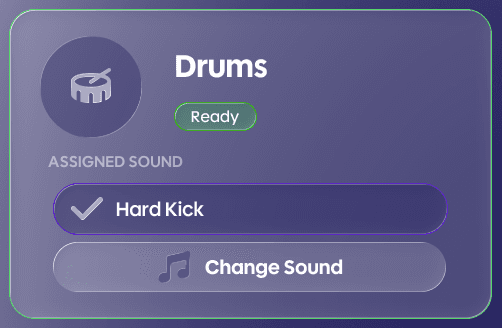
Drums uses the same Ready indicator, assigned-sound field and Change Sound control as the other layers. Channel 1 keeps volume, active state and EQ/FX in a consistent position.
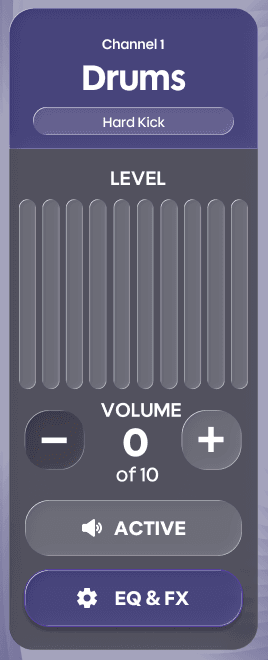
Drums: assignment and channel details.
03 / Mixing and export
From individual layers to a connected mix.
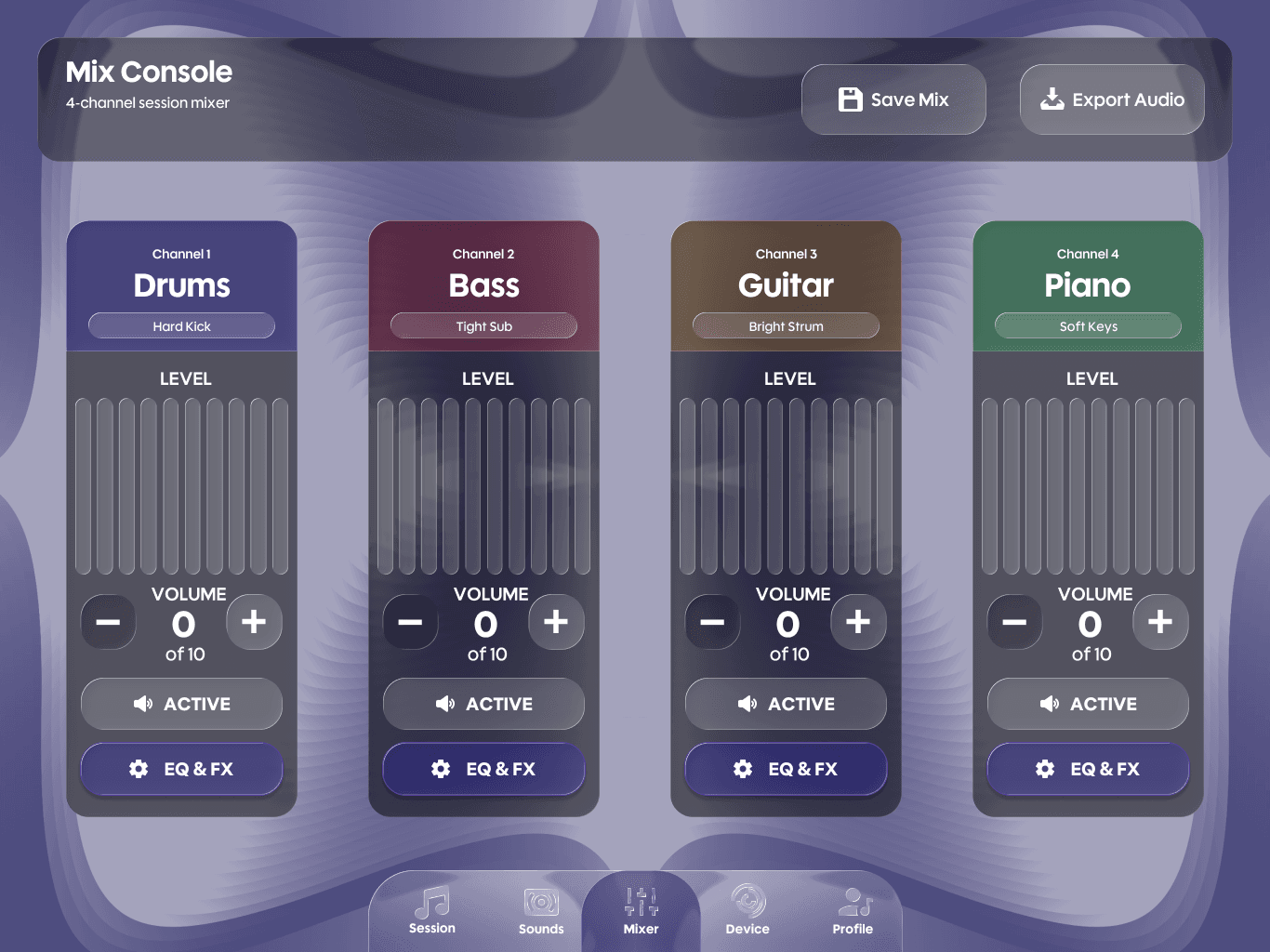
The Mix Console brings the four channels together. Each repeats the same level display, volume controls, active or muted state, and EQ/FX access. Instrument names and channel accents keep their relationship to the session visible while the controls remain in predictable positions.
The prototype presents export choices, including WAV, AIFF and MP3, followed by quality and summary states. These screens communicate the decisions involved in preparing a mix. They do not demonstrate working file generation or specify an implemented audio engine.
04 / Controller setup
Making setup explicit.
Controller setup is separated from the recurring creation tasks. Its simulated journey moves through connection, discovery, confirmation, a pad test, mapping and completion. Each state describes where the setup stands and offers a clear next action.
The Controller Setup sequence in the flow study shows this progression. Its pad checks are part of the interface concept, not hardware verification or usability testing. The intention is to make configuration visible before returning to the creative session.
05 / Components and states
Designing states, not just screens.
Reusable components supported consistency across the authored scope of 52 screens designed. The component board records selected tabs, transport states, mapping presets, levels and processing controls. These are variants within the system, not a documented sequence of design iterations.
Comparative analysis of Koala Sampler informed design intentions around discoverability, onboarding depth, device setup and mixer/FX access. The response was to make location and state explicit. Those decisions remain design hypotheses rather than findings from participant research.
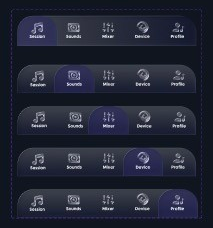
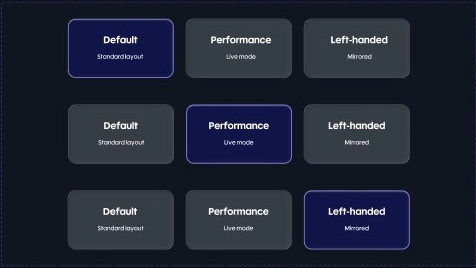
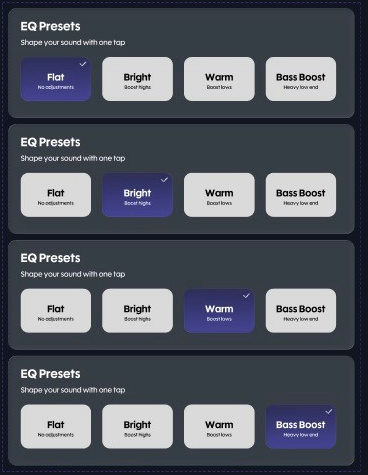
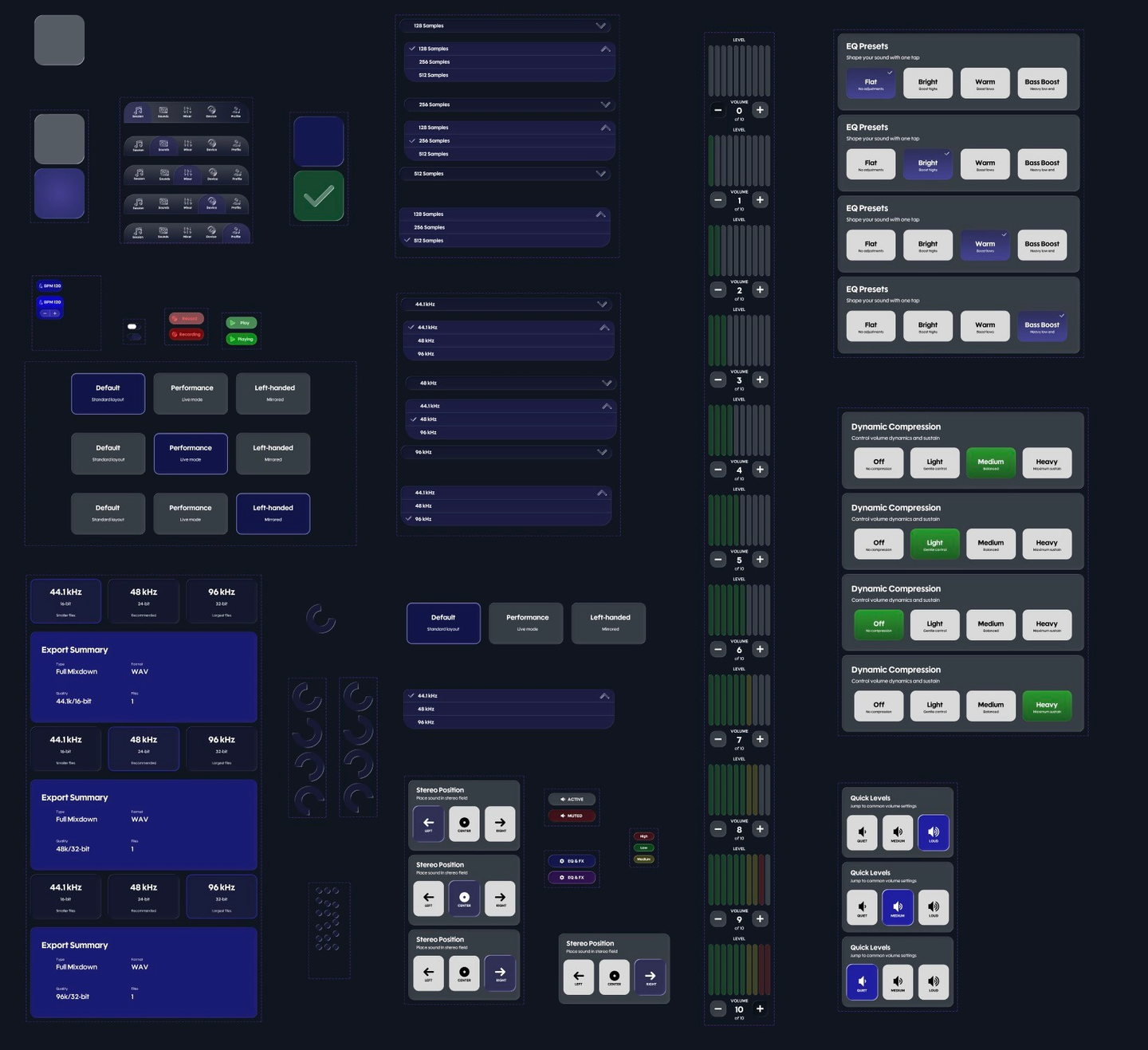
Design intent
Preferences are part of the system.
The prototype includes Photosensitivity Safe Mode, Reduce Motion, High Contrast and Large Text settings. They express an intention to accommodate different viewing and interaction needs. Their effectiveness and accessibility compliance have not been validated.
06 / Prototype
The workflow in motion.
The walkthrough follows the high-fidelity prototype through its screens and state changes. It is a silent recording, with deliberate playback here so the pace stays under your control. The interactive Figma prototype opens separately at the Session interface.
07 / Outcome and next steps
A coherent prototype. A clear next stage.
Launchitone brings repeated interaction patterns, four connected instrument layers, guided setup and visible component states into one high-fidelity prototype. It communicates how a creative session could move between sound assignment, mixing and configuration.
Prototype verification confirms that linked screens and state transitions can be followed. It is not user validation. Next steps are usability testing with beginners, accessibility validation, and engineering for real audio playback and MIDI/controller integration.
Reflection
Predictability leaves room for creativity.
The challenge was maintaining a consistent language across many screens while separating frequent creation actions from configuration. Repetition became useful structure: the same controls could explain a different layer without demanding a new interaction model. A prototype can communicate that complexity before the underlying musical system is engineered.
